MiroFish Trading organizes scenarios; it does not tell you what to trade.
MiroFish Trading is useful when a market question depends on reactions, narratives, timing, and competing incentives. Treat the output as a research memo that improves the next verification step, never as a trading signal.
MiroFish ReportAgent review screen used here to explain MiroFish trading.
1Focused reader question
4MiroFish product images from the notepad set
2:30Animated workflow walkthrough with input, graph, agents, simulation, and report
Direct answer
People searching MiroFish Trading are commonly testing whether multi-agent simulation can help organize a market thesis. The responsible answer is to start with the bull case, bear case, catalyst, time horizon, source quality, and the condition that would invalidate the thesis.
The report should make disagreement visible. A useful trading research run exposes narrative shifts, overlooked stakeholders, and evidence gaps; it cannot predict a price, execute an order, or substitute for market data and qualified advice.
Research frame
Put the thesis under pressure before treating it as a view.
Base case
What would need to stay true?
Opposing case
Which evidence would change the thesis?
Trigger
What event or timing matters most?
Outside check
Which live source must be verified?
Turn your question into a reviewable scenario
Use these steps to move from an initial question to a scenario, report, or practical next action.
Seed -> graph -> agents -> report
Write both cases
State the strongest bull and bear arguments before opening the workspace.
Name the catalyst
Add the event, timing, and known uncertainty that could change the narrative.
Model reactions
Use roles such as buyers, competitors, media, regulators, and internal teams.
Verify externally
Read every recommendation as a prompt to check live data and independent sources.
Build a quick scenario worksheet
Draft the first MiroFish run on this page before opening a workspace.
Interactive worksheet
Prepare a useful first run
For MiroFish trading, the strongest starting point is not a long prompt. It is a small operating brief that says what changed, who is affected, what evidence is known, and what decision the reader needs to make. Keep the first run narrow enough that a reviewer can trace every major output back to the source packet.
Use the preparation note on this page as the boundary for the first packet: A market thesis, opposing case, dated catalysts, time horizon, known data limits, and the external evidence that would invalidate the thesis. A good packet also labels dates, separates facts from assumptions, and avoids private or stale material that would make the report difficult to trust.
The report should be treated as a working document. When it makes a claim, ask whether the claim came from the uploaded context, an inferred relationship, an agent reaction, or a gap that still needs outside verification. That habit keeps the workflow practical for teams that need a reviewable answer rather than a dramatic prediction.
Review checklist
Before acting on a MiroFish output, check whether the scenario stayed inside the question you asked. The most useful output for this page is: A non-advisory scenario memo that separates possible narratives, risks, triggers, evidence gaps, and questions for further research. The key limit is equally important: MiroFish does not provide investment advice, price targets, brokerage services, trade signals, or guaranteed outcomes.
Write both cases. State the strongest bull and bear arguments before opening the workspace.
Name the catalyst. Add the event, timing, and known uncertainty that could change the narrative.
Model reactions. Use roles such as buyers, competitors, media, regulators, and internal teams.
Verify externally. Read every recommendation as a prompt to check live data and independent sources.
What to compare in the output
Use these checkpoints to turn the first MiroFish result into a grounded next action.
Review before action
Thesis: A testable market view. Stops the run from becoming a vague forecast. Write the opposing case.
Catalyst: A dated possible trigger. Connects reactions to timing. Check current facts.
Narrative: How groups may interpret a change. Surfaces second-order reactions. Do not treat it as price data.
Risk trigger: What would break the case. Creates a real research checklist. Review with qualified professionals.
Watch the full MiroFish workflow
This 2 minute 30 second animated walkthrough moves from source material through graph construction, agent activity, simulation events, report review, and follow-up questions.
2:30 animated walkthrough
Follow the full animated workflow, then use the page-specific checklist to prepare your own MiroFish run.
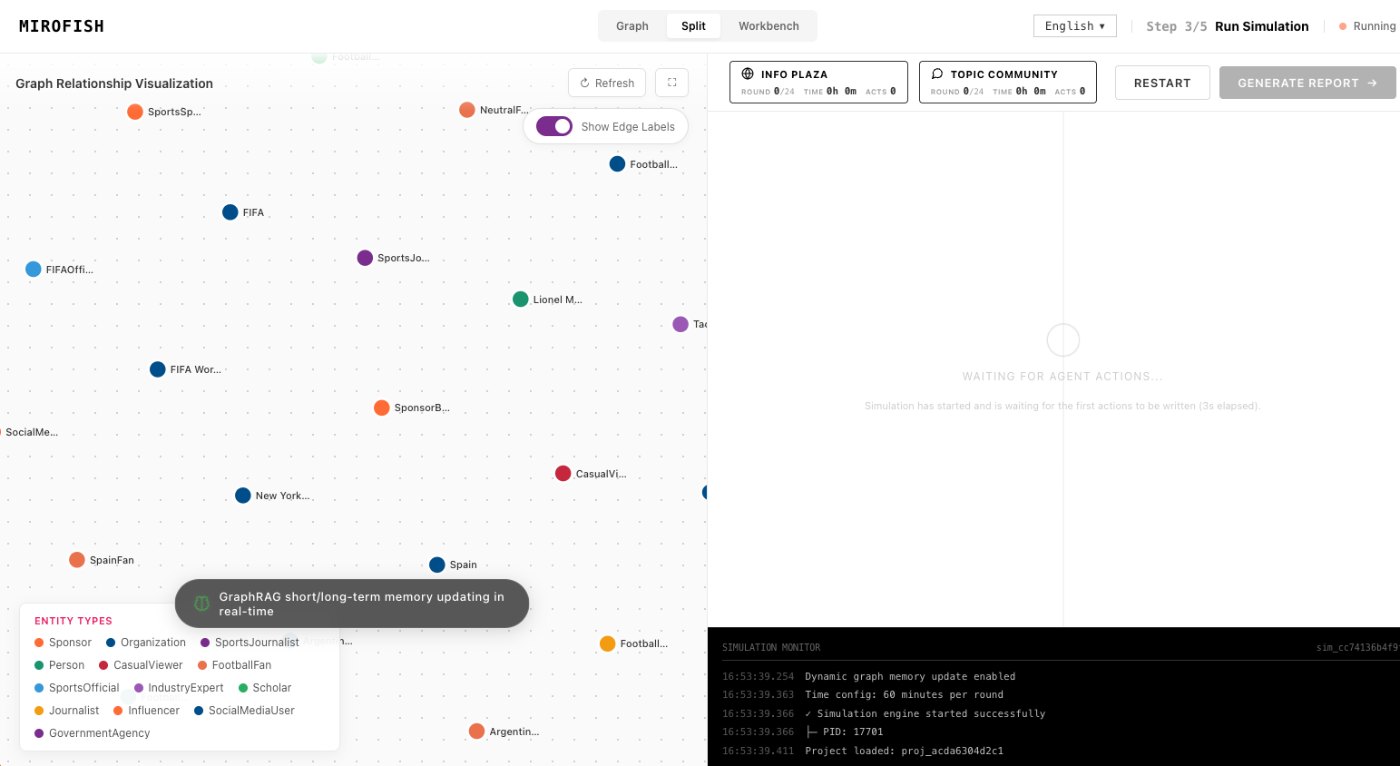
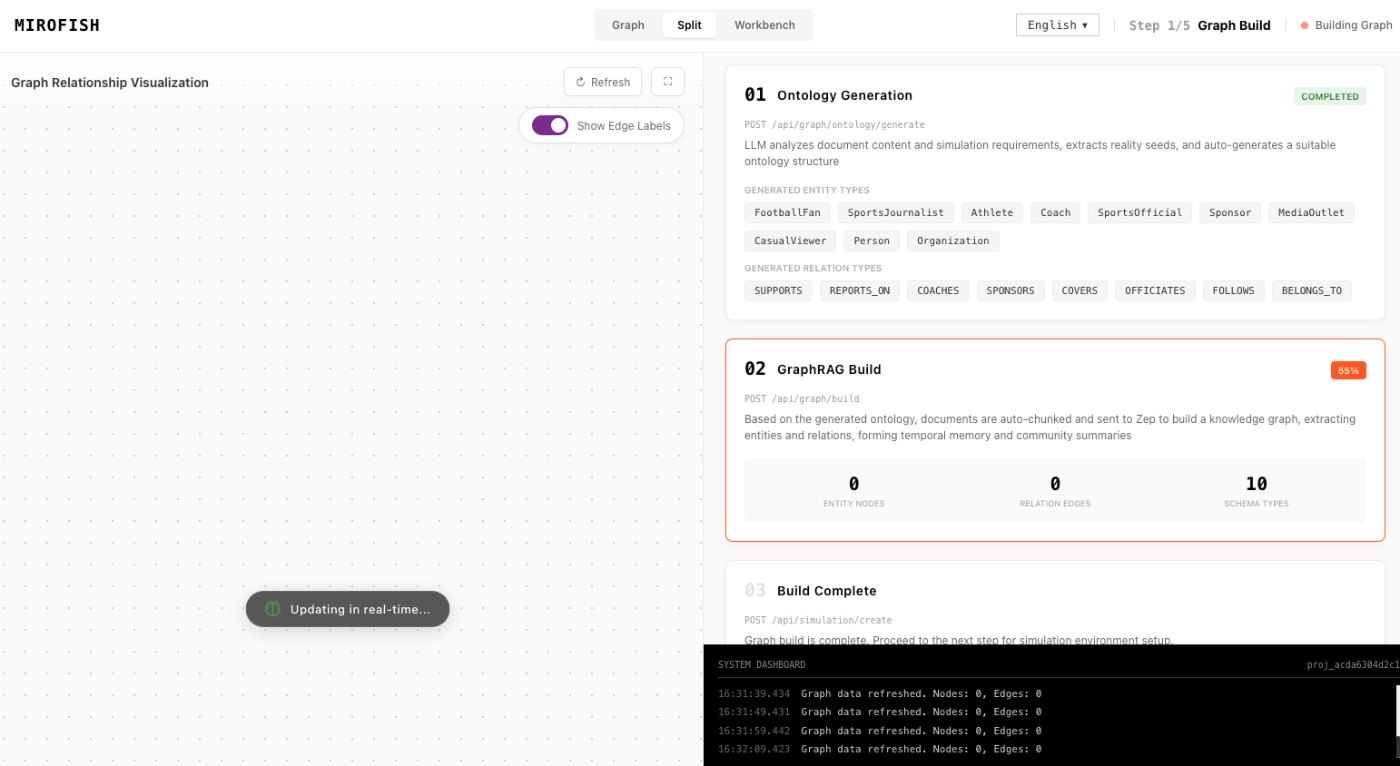
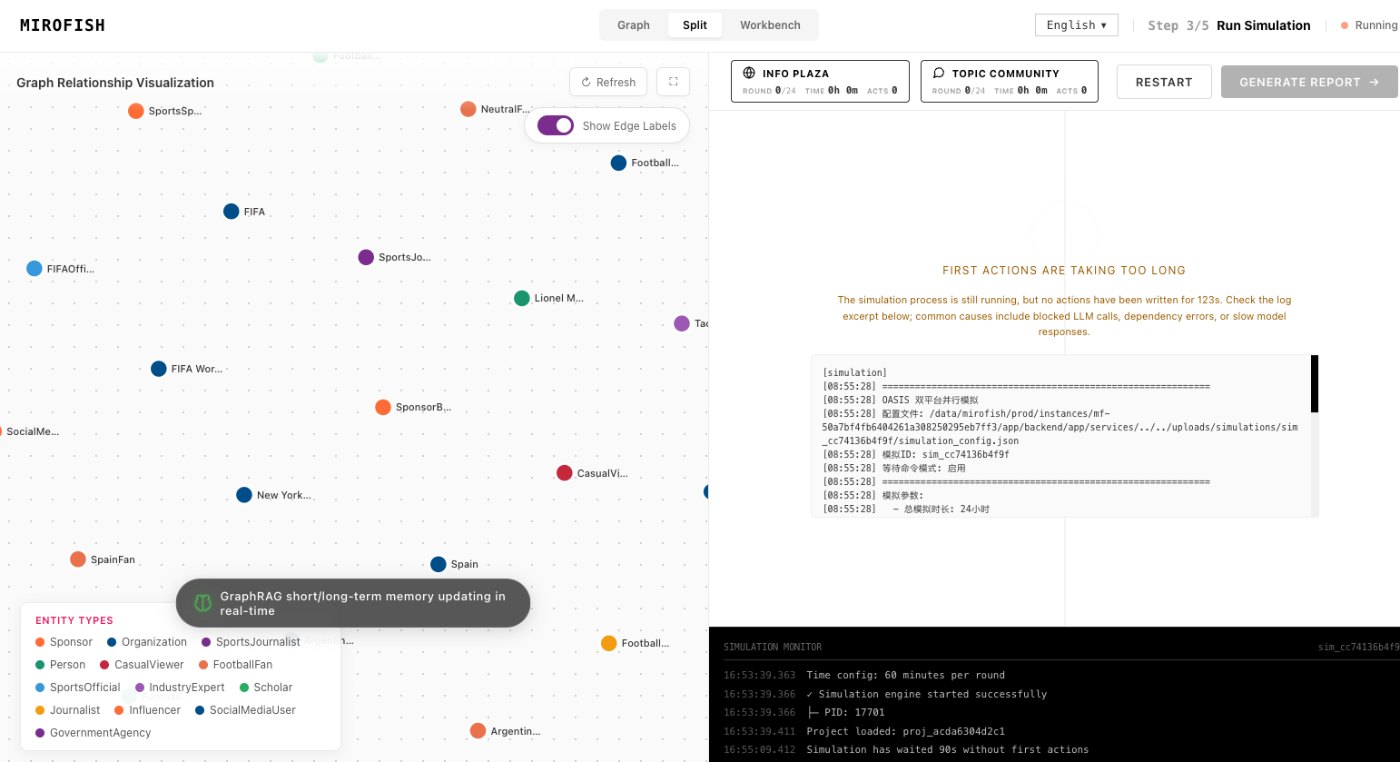
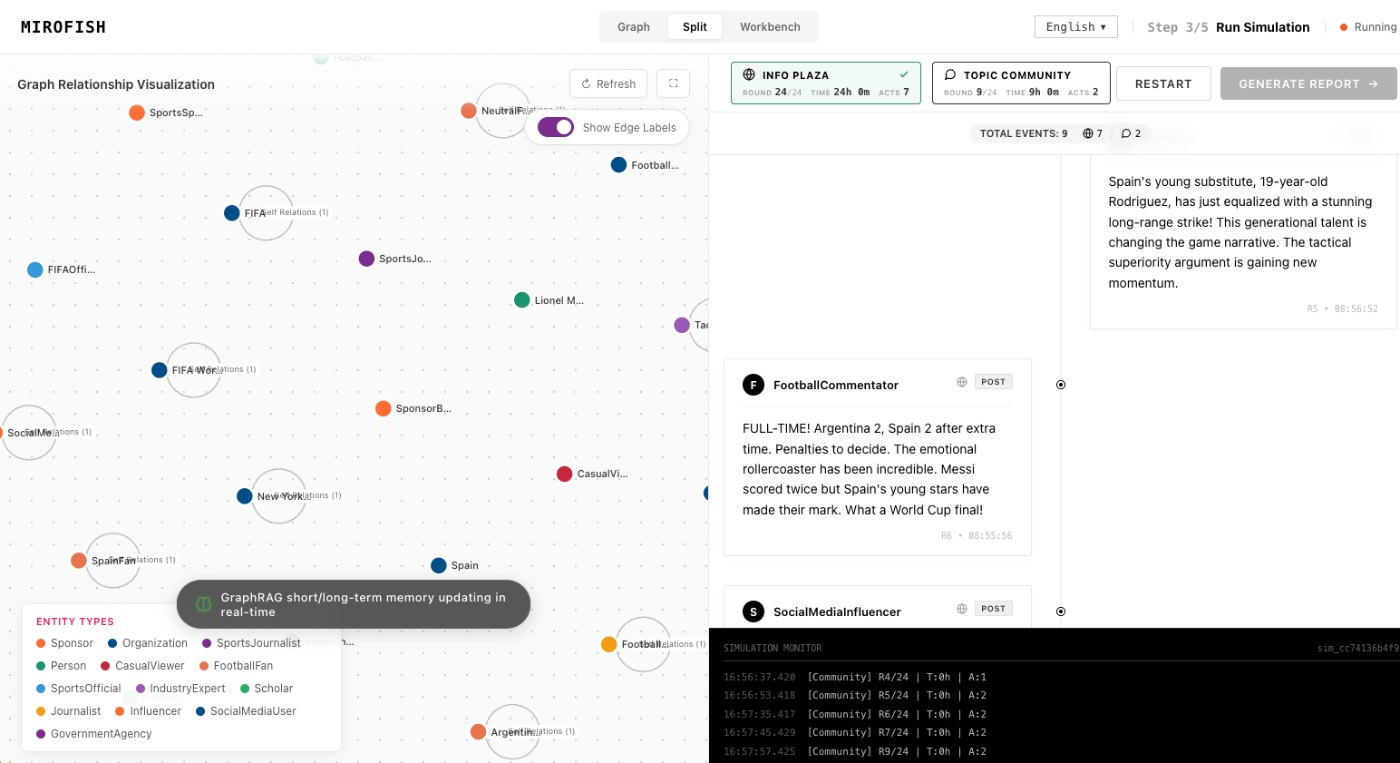
Product screenshots from the workflow
These images come from the notepad MiroFish image set and are used as concrete workflow references rather than decoration.
3 more images
MiroFish source-to-graph workspace used as a concrete workflow reference.MiroFish follow-up analysis workspace used as a concrete workflow reference.MiroFish final report interface used as a concrete workflow reference.
A realistic use case
Before changing a product price, an analyst can compare an adoption case, a procurement-friction case, and a competitor-response case. The report turns each branch into a list of customer evidence and market data to check.
The value of the page is practical: define the job, prepare the right input, read the output with its limits visible, and choose a next step that can be checked outside the page.
How to read the report
Read a MiroFish report as a map of assumptions and reactions. Mark source-backed claims, uncertain claims, and follow-up questions separately. Then choose one change for the next run instead of accepting the first report as final.