MiroFish cost and pricing for practical scenario work.
Use this MiroFish cost plan comparison workflow to compare the free trial, monthly and yearly subscriptions, analysis volume, simulation size, knowledge-base needs, and API access. Monthly billing is shown first.
Free trial control follows the live console logic: guest visitors get 1 free simulation, signed-in free accounts get 2 free simulations, and both free states use DeepSeek V4 Flash only. Paid subscriptions unlock monthly analysis capacity, larger simulations, and the full configured model list.
Plans
MiroFish cost plan comparison workflow: free trial, then paid capacity
The MiroFish cost plan comparison workflow starts with Free, then checks whether monthly analysis volume, simulation size, knowledge-base needs, or API access justify a paid plan.
Free
For testing the core workflow before checkout.
$0/trial
No payment required. Guest visitors get 1 simulation; signed-in free accounts get 2 simulations.
Guest visitor1 simulation
Signed-in account2 simulations
1 free simulation as a guest visitor
2 free simulations after signing in
DeepSeek V4 Flash only
No paid model list, knowledge base, custom materials, or API access
Free try the workflowStarter learn the workflowPro compare runsEnterprise review at scale
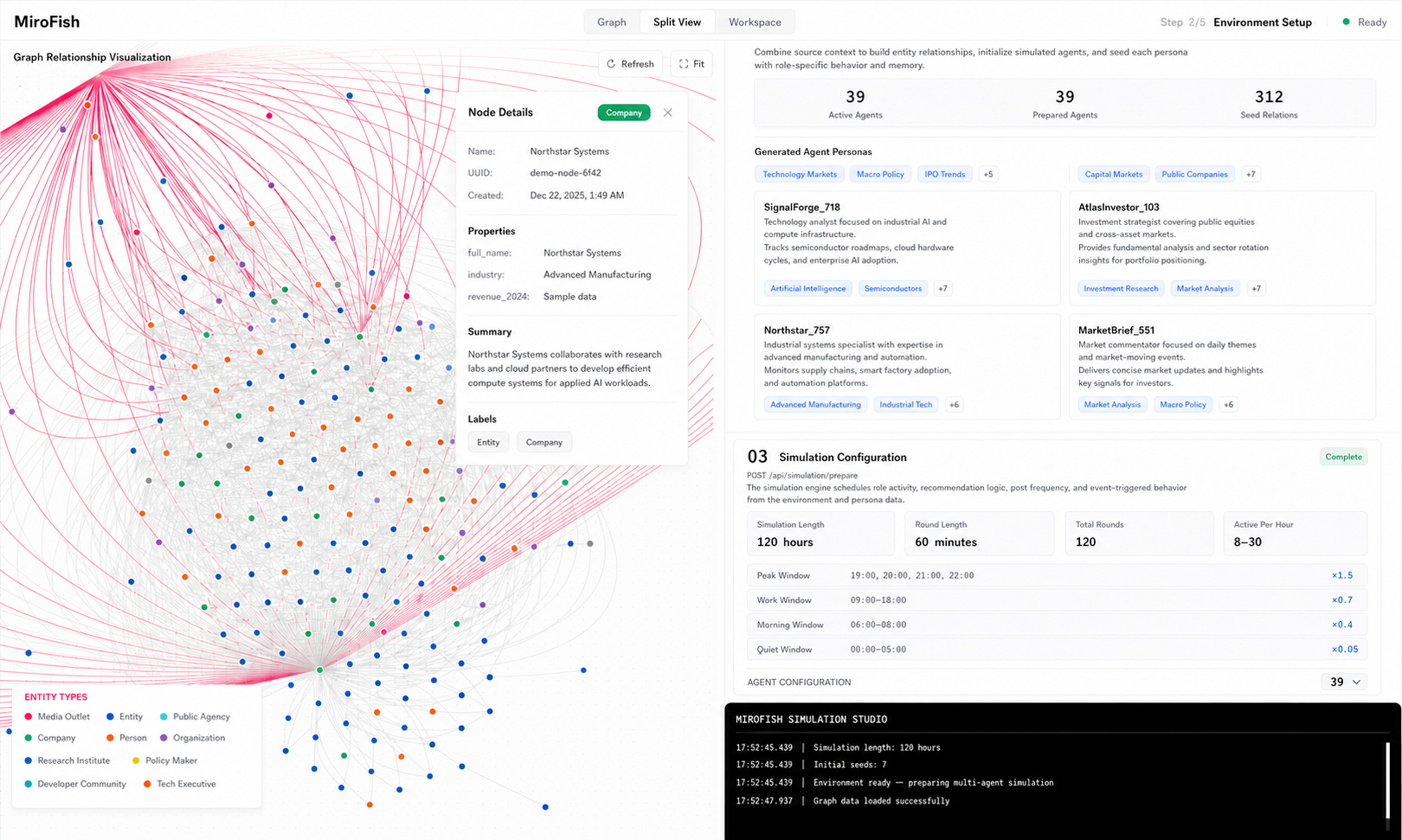
MiroFish cost plan comparison workflow for practical scenario work: a topic-specific visual for this decision.
MiroFish cost plan comparison workflow for scenario prediction
Use this MiroFish cost plan comparison workflow to choose a plan by workload, review habit, and risk tolerance, not by the biggest feature list.
Free is a real trial path: use one guest simulation, or sign in when you want the separate 2-simulation free-account allowance.
Use this guide when the reader is trying to choose the smallest plan that lets the team run enough comparisons to learn something useful. The guide should answer that job first.
The useful output is a repeatable report workflow with enough monthly runs to compare assumptions instead of treating one run as final.
Inputs, output, and limits for the MiroFish cost plan comparison workflow
Reader question
Best input
Useful output
Do not use it for
run the MiroFish cost plan comparison workflow without overbuying
a decision question, a short source packet, and one or two variants you may want to compare
a repeatable report workflow with enough monthly runs to compare assumptions instead of treating one run as final
Pricing does not make a prediction more reliable. Reliability comes from clear inputs, reruns, review, and fresh outside evidence.
A realistic MiroFish cost plan comparison workflow use case
A small product team can use Pro for a launch month: run the original offer, rerun with a calmer headline, rerun with a lower price, then compare what changed in the objections. Read the result as a working note, then decide what outside evidence or follow-up page should come next.
Keep the first pass small. A useful guide shows what to bring, what to expect, and what still needs verification before anyone acts on the result.
What should change after reading
The reader should know which material to prepare, which result to expect, and which next page or action fits the task. For the MiroFish cost plan comparison workflow, that means using a decision question, a short source packet, and one or two variants while aiming for enough monthly runs to compare assumptions.
The guide should also reduce one kind of confusion: plan choice is separate from report quality, demo work is separate from live work, and chat convenience is separate from source quality.
After reading, the next action should be concrete: use Free to test the workflow, move to Starter for occasional single-person reviews, choose Pro when you expect repeated runs, and talk to support when reports need review process or private deployment planning.
Signals worth keeping
Question
Choose the smallest plan that lets the team run enough comparisons to learn something useful.
Evidence
Keep the material visible: a decision question, a short source packet, and one or two variants you may want to compare.
Decision
Use Free to test the workflow, move to Starter for occasional single-person reviews, choose Pro when you expect repeated runs, and talk to support when reports need review process or private deployment planning.
Boundary
Pricing does not make a prediction more reliable. Reliability comes from clear inputs, reruns, review, and fresh outside evidence.
How to make the first run useful
Name the job
Choose the smallest plan that lets the team run enough comparisons to learn something useful. If that is not the reader's job, the guide should route them elsewhere.
Bring the right material
Use a decision question, a short source packet, and one or two variants you may want to compare. Remove stale notes, duplicate claims, and anything that would distract from the current decision.
Keep the first result
Save the prompt, report, source notes, and chosen next action. Comparison gets much easier when the first pass is not rewritten from memory.
Review the limit
Pricing does not make a prediction more reliable. Reliability comes from clear inputs, reruns, review, and fresh outside evidence.
Quality check before acting
Review the MiroFish cost plan comparison workflow against the reader's real task: choose the smallest plan that lets the team run enough comparisons to learn something useful.
For the MiroFish cost plan comparison workflow, check whether the example fits the search intent, whether the limitation is visible before the CTA, and whether related links are useful next pages.
When those checks pass, the guide can be cited or linked without pretending to be a full manual.
How to use this page in a workflow
First, write the reader's current situation in one sentence. Second, attach the input named in the MiroFish cost plan comparison workflow: a decision question, a short source packet, and one or two variants you may want to compare.
If the answer is yes, continue and keep the limit visible: pricing does not make a prediction more reliable. If the answer is no, route the reader through related pages instead of padding this one.
Leave a short handoff note with the target phrase, the prepared input, the expected output, and the chosen next action.
The MiroFish cost plan comparison workflow should stay compact: one situation, one prepared input, one reviewable output, and one next action.
Where this page should stop
A good MiroFish cost plan comparison workflow should make the next request easier to write and the next decision easier to check.
The common failure is content that answers a nearby question instead of this one. The stop line is clear: pricing does not make a prediction more reliable.
If the intent moves, send the reader to MiroFish Live or How to use instead of stretching this page to cover everything.
MiroFish cost FAQ
Who is this page for?
It is for founders, analysts, creators, and teams who want scenario reports before a launch, market move, public message, or planning decision. The page is intentionally narrow so the reader can decide what to do next without sorting through unrelated product claims.
Can I try MiroFish for free?
Yes. Guest visitors get 1 free simulation. Signed-in free accounts get 2 free simulations. Free runs use DeepSeek V4 Flash only.
What should I prepare first?
Prepare a decision question, a short source packet, and one or two variants you may want to compare. A smaller, clearer input is more useful than a large mixed packet that hides the decision.
What should I not expect?
Pricing does not make a prediction more reliable. Reliability comes from clear inputs, reruns, review, and fresh outside evidence.
Source, method, limits, and update
Source: MiroFish public pages, nearby topic pages, the visible product workflow, and the MiroFish GitHub source reference.Method: Matched one search phrase to one reader task, then checked that the page has a useful next step.Limits: MiroFish cost does not make a prediction more reliable. Reliability comes from clear inputs, reruns, review, and fresh outside evidence.Updated: 2026-08-29