MiroFish English: understand the workflow before you run it.
MiroFish English is the starting point for readers who want a direct explanation of what goes in, what happens during a simulation, what the report returns, and which page to open next.
MiroFish simulation report detail used here to explain MiroFish English.
1Focused reader question
4MiroFish product images from the notepad set
2:30Animated workflow walkthrough with input, graph, agents, simulation, and report
Direct answer
An English-language searcher often needs a map, not a dense feature list. MiroFish English starts with a focused source packet and scenario question, builds reviewable context, simulates several perspectives, and returns a report of possible reactions, assumptions, and next checks.
Use MiroFish English when you need the product terms, first-run sequence, and next links in one place. Choose the next route by task: use the how-to guide for a first run, Live for browser work, GitHub for code and self-hosting checks, and the prediction guide for limits and report interpretation.
Reader map
Use the same workflow words from first visit to first report.
Use these steps to move from an initial question to a scenario, report, or practical next action.
Seed -> graph -> agents -> report
Start with the task
Name the decision before reading product terminology.
Learn the sequence
Follow source material, context, perspectives, simulation, report, and a focused rerun.
Choose your route
Use a guide, live workspace, or repository page according to your next job.
Keep the limit visible
Use reports to organize questions, then verify material evidence outside MiroFish.
Build a quick scenario worksheet
Draft the first MiroFish run on this page before opening a workspace.
Interactive worksheet
Prepare a useful first run
MiroFish English works best as an operating vocabulary, not as a translation exercise. A reader should be able to recognize the same words in a guide, a workspace, a report, and a follow-up conversation: source material, context, perspectives, simulation, report, and evidence check. That continuity makes the product easier to evaluate with a team.
Use the MiroFish English route to decide how much detail is needed next. A first-time reader may only need the sequence. A manager may need to know what a report can and cannot establish. A developer may need the repository and deployment boundaries. The right page should appear before the reader has to decode technical language.
Plain English also supports better review. Describe what changed, who may react, which condition matters, and what source could confirm or overturn the result. Those are more useful questions than broad claims about intelligence or prediction because they create a shared evidence trail.
Review checklist
Before acting on a MiroFish output, check whether the scenario stayed inside the question you asked. The most useful output for this page is: A plain-English path from product definition to first run, report review, technical documentation, or hosted workspace. The key limit is equally important: English copy makes the workflow easier to follow; it does not turn uncertain simulations into certain forecasts.
Start with the task. Name the decision before reading product terminology.
Learn the sequence. Follow source material, context, perspectives, simulation, report, and a focused rerun.
Choose your route. Use a guide, live workspace, or repository page according to your next job.
Keep the limit visible. Use reports to organize questions, then verify material evidence outside MiroFish.
What to compare in the output
Use these checkpoints to turn the first MiroFish result into a grounded next action.
Review before action
Definition: Scenario rehearsal with multiple perspectives. Sets the right expectation. Do not call it certainty.
Input: A focused source packet and decision. Makes the run inspectable. Use dated material.
Output: Branches, reactions, assumptions, and next checks. Makes a team discussion concrete. Separate facts from inferences.
Next route: How-to, Live, GitHub, or prediction guide. Avoids a generic dead end. Match the task.
Watch the full MiroFish workflow
This 2 minute 30 second animated walkthrough moves from source material through graph construction, agent activity, simulation events, report review, and follow-up questions.
2:30 animated walkthrough
Follow the full animated workflow, then use the page-specific checklist to prepare your own MiroFish run.
Product screenshots from the workflow
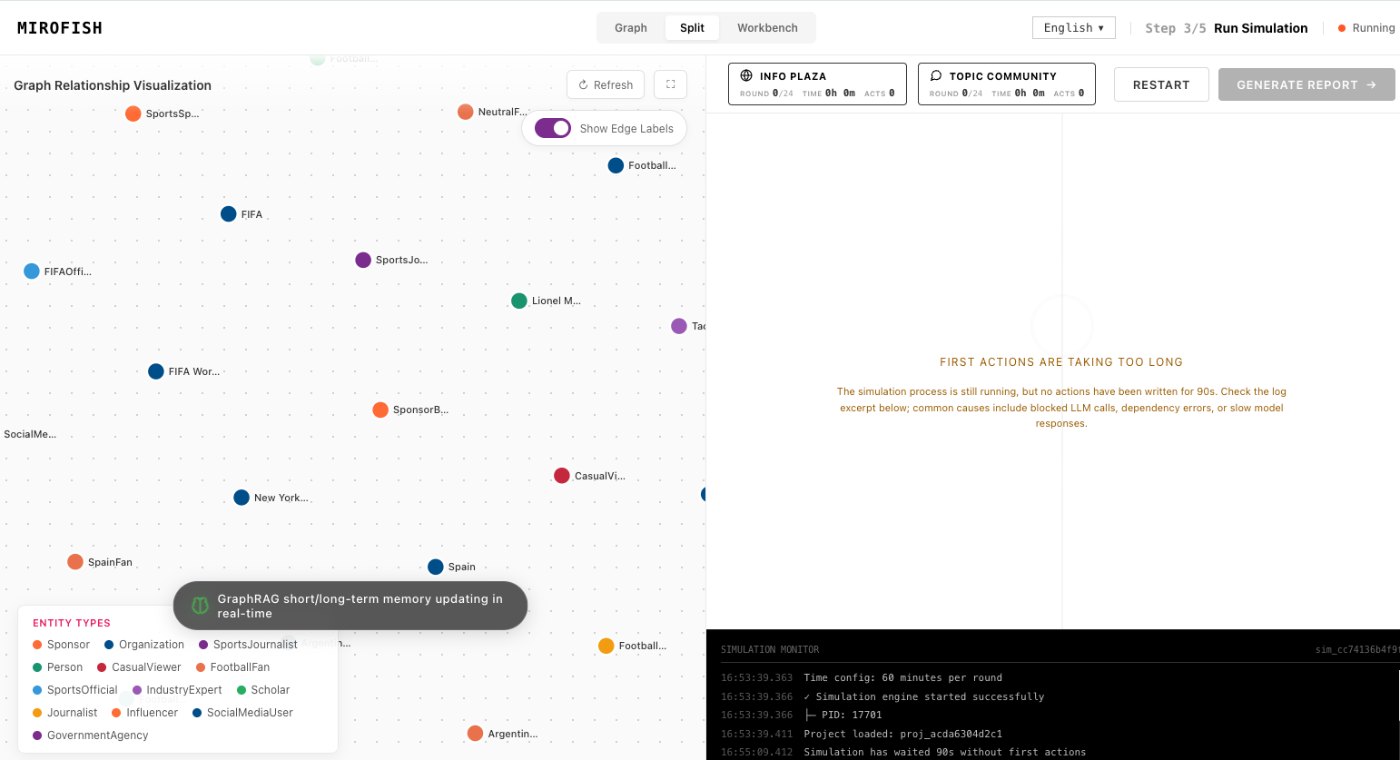
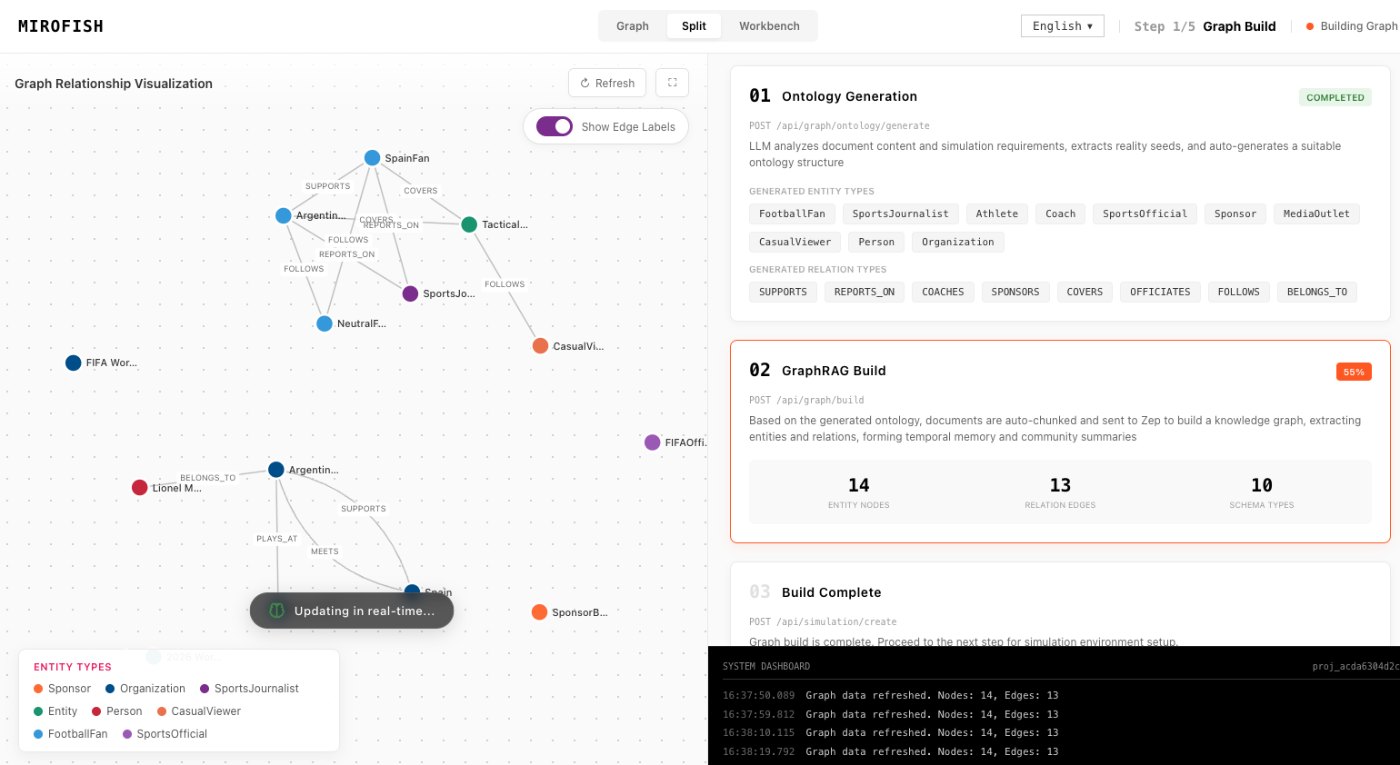
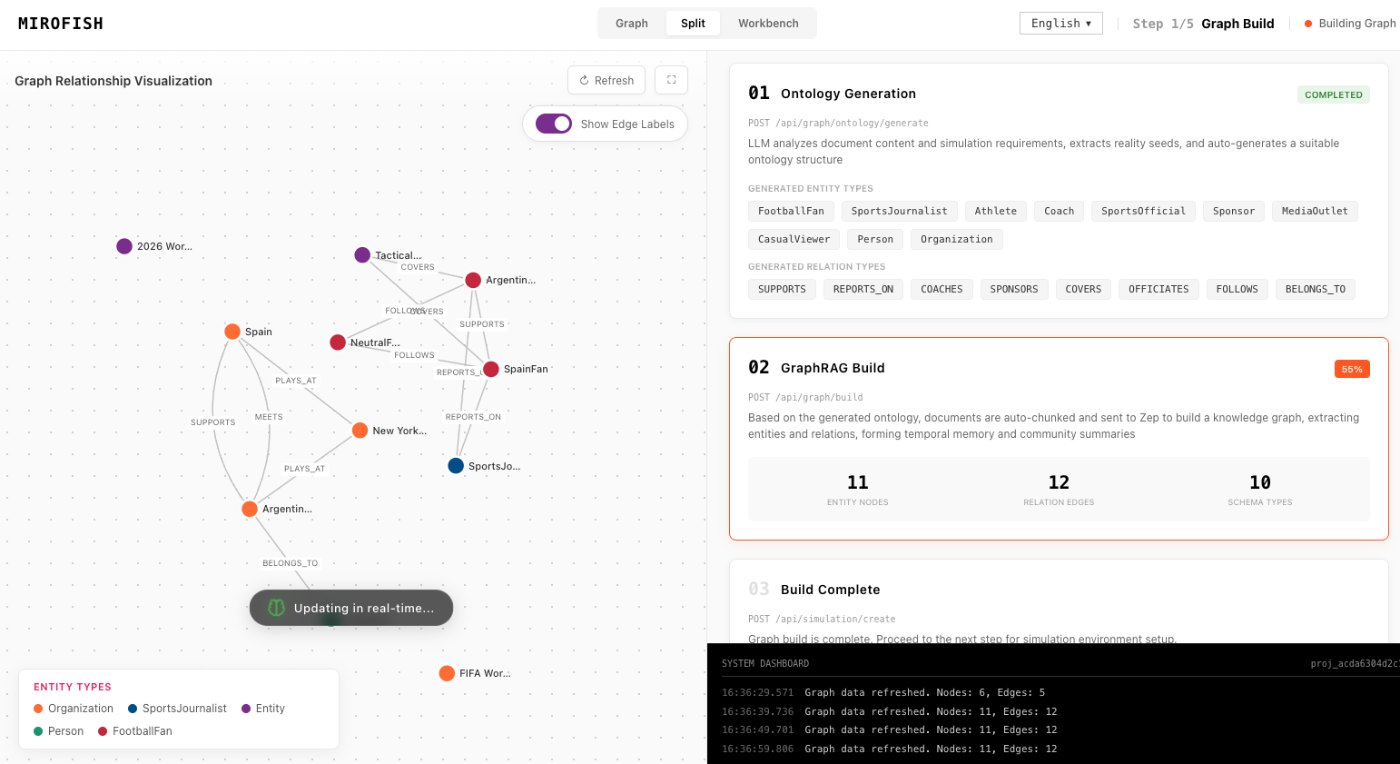
These images come from the notepad MiroFish image set and are used as concrete workflow references rather than decoration.
3 more images
MiroFish simulation world setup used as a concrete workflow reference.MiroFish homepage prompt workspace used as a concrete workflow reference.MiroFish agent configuration workspace used as a concrete workflow reference.
A realistic use case
A product lead can begin with an English launch brief, compare customer and competitor reactions, and use the report to decide which customer interviews or data checks should happen before launch.
The value of the page is practical: define the job, prepare the right input, read the output with its limits visible, and choose a next step that can be checked outside the page.
How to read the report
Read a MiroFish report as a map of assumptions and reactions. Mark source-backed claims, uncertain claims, and follow-up questions separately. Then choose one change for the next run instead of accepting the first report as final.